
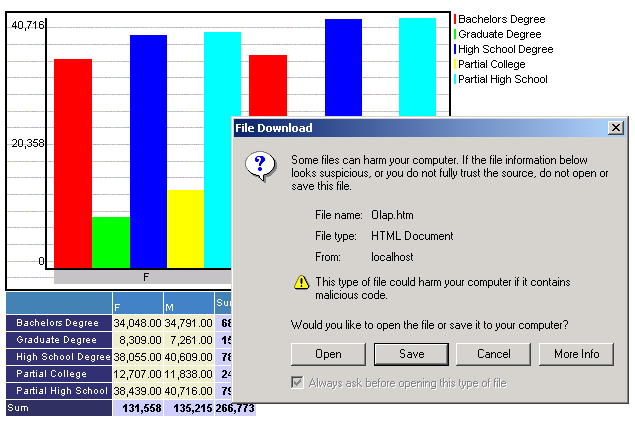
When ReportPortal is not located on an Intranet web server, Internet Explorer can may display the following message at the top of the browser:

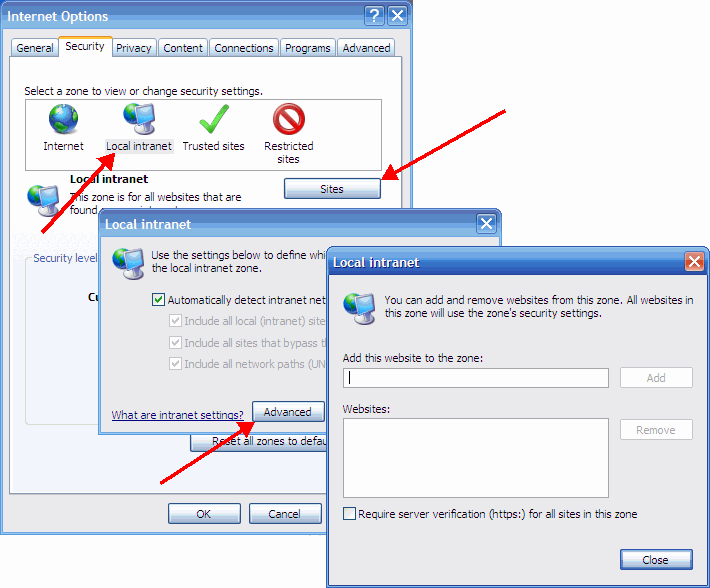
You can click on the message and choose "Download File" or prevent this message from ever appearing by adding your ReportPortal site to Local Intranet via Tools > Internet Options > Security tab.
Alternatively, an administrator can enable "Second Click Export" feature by going to Admin > Settings > OLAP Report > Exporting > Prevent download blocking. Enabling this feature will make the repot downloading take a fraction of a second more.